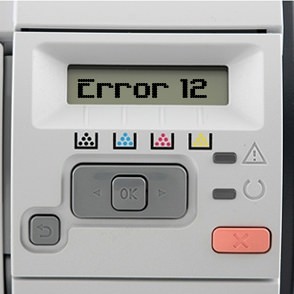
If you are receiving this message please take the following steps:
- Fully open the top cover of the printer.
- Remove the toner cartridge from the printer
- Firmly re-install the toner cartridge.
- Close the top cover of the printer ensuring noting obstructs it.
- Check that the tab on the fuser access door above the multi-purpose tray (for envelopes etc) is not broken.
- Examine the fan to ensure it is turning and not excessively dirty (if both are fine skip to step 11).
- The fan can be accessed by removing the top cover and then the right cover.
- Turn the printer off.
- Ensure the fans electronic contacts are clean and all firmly connected.
- Clean the fan if it is dirty.
- If “Error 12” still shows then the please contact HP technical support if the machine is in warranty or a technician if the warranty has expired.